
7 Website Mistakes That Make Small Businesses Lose Customers.



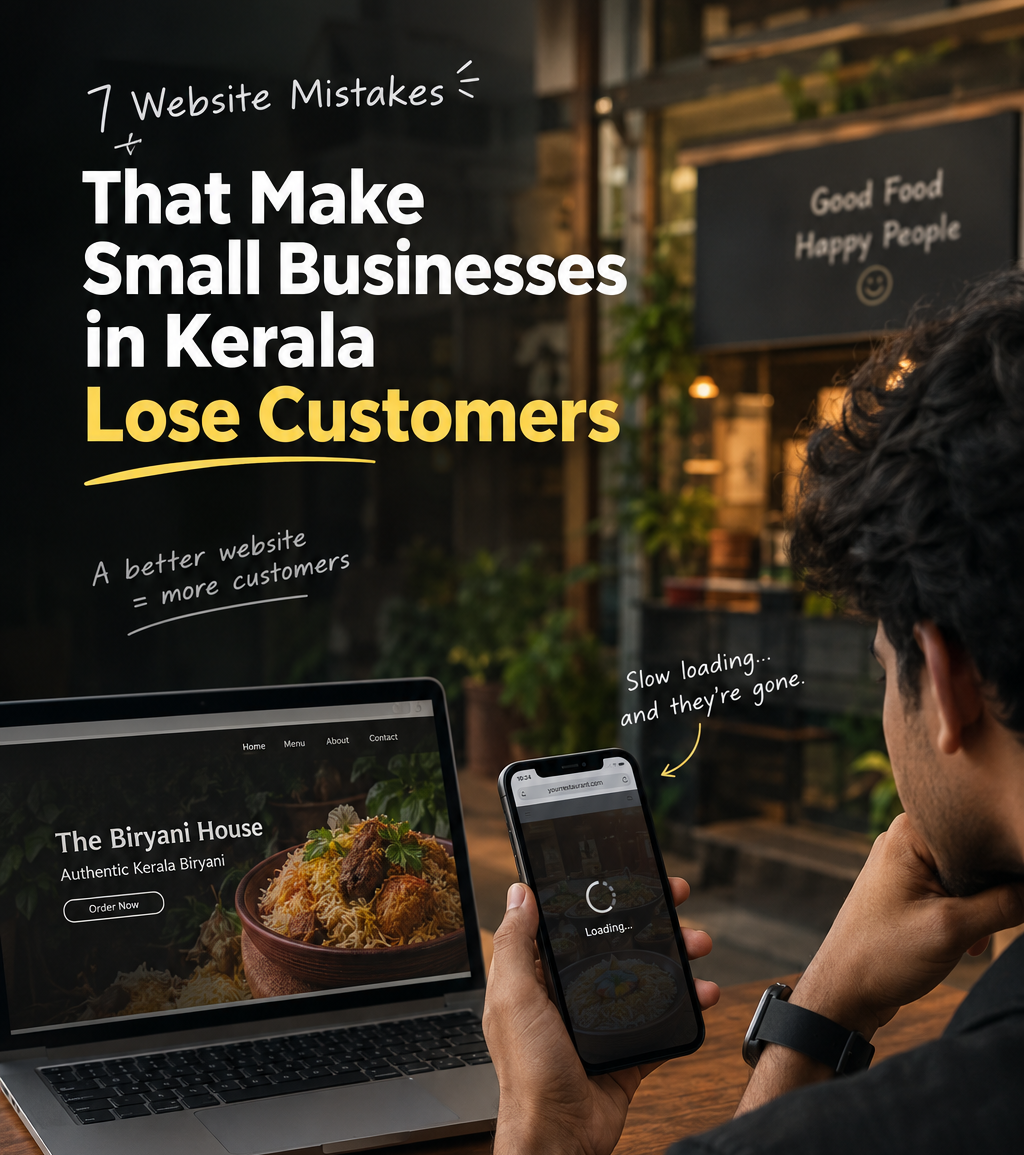
7 Website Mistakes That Make Small Businesses in Kerala Lose Customers
TL;DR: Small businesses lose customers online because of seven fixable mistakes: slow loading speed, poor mobile design, confusing navigation, no clear call to action, outdated design, missing contact information, and weak SEO. A website has to be fast, easy to use, mobile-friendly, and findable on Google, not just good-looking. You can check three of these today, for free, in about ten minutes.
Picture this. Someone in Kochi is hungry. They search “best biryani near me,” tap your restaurant’s website, and wait. And wait. Three seconds later, they’re gone, and the place down the road just got their order.
Most business owners never see this happen. There’s no angry email and no bad review, just a customer who quietly disappears.
I’m a digital marketing student and freelance web designer, and I’m still building my portfolio. I don’t have years of client stories to share yet, and I’d rather be upfront about that. What I do have is fresh eyes. I look at websites the way your customers do, as a visitor who has never met you and has about five seconds of patience. From that view, the same seven mistakes keep showing up on restaurant, salon, clinic, and shop websites.
1. Slow loading speed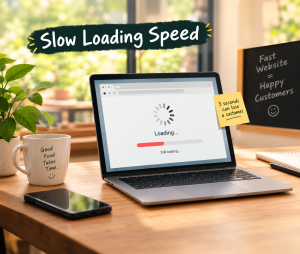
People don’t wait. If your site takes too long to open, visitors leave before they see your menu, services, or prices. The usual causes are oversized photos and cheap hosting.
Quick fix: Compress your images before uploading them. A 5 MB photo of your dosa doesn’t need to be 5 MB.
2. Poor mobile design
In Kerala, most people browse on their phones, often on the move. If they have to pinch, zoom, and scroll sideways to read your site, they’ll give up.
Quick fix: Open your own website on your phone right now. If you feel frustrated within ten seconds, so do your customers.
3. Confusing navigation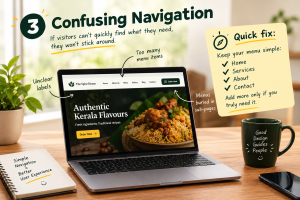
If visitors can’t quickly find your services, prices, or location, they won’t dig for them. Too many menu items, unclear labels, and buried pages all push people away.
Quick fix: Keep your menu simple: Home, Services, About, Contact. Add more only if you truly need it.
4. No clear call to action
You’ve impressed someone with your site. Now what? If they don’t know whether to call, book, order, or message, they’ll do nothing.
Quick fix: Give every page one obvious next step, like “Book an Appointment,” “Order on WhatsApp,” or “Call Now,” in a button that’s easy to spot.
5. Outdated design
A site that looks like it’s from 2010 makes people wonder whether the business is still running, or still cares. Customers compare options in seconds, so first impressions matter.
Quick fix: You don’t always need a full redesign. Fresh photos, readable fonts, clean spacing, and updated colors can transform an old site.
6. Missing contact information
This is the most painful mistake because it’s the easiest to fix. A customer who is ready to buy can’t find your phone number, address, or opening hours, so they go to a competitor who makes it easy.
Quick fix: Put your phone number, WhatsApp link, address, Google Maps location, and working hours where people can see them without scrolling or clicking around.
7. Poor SEO optimization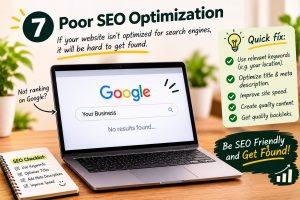
Your website could be beautiful, but if nobody can find it on Google, it’s like a shop with no signboard on a side street. Searches like “dentist in Aluva” or “bridal makeup near me” should lead people to you.
Quick fix: Start with the basics: a clear page title, a good description, your business name, address, and phone number written the same way everywhere, and a claimed Google Business Profile.
“But I have Instagram” (and other excuses I hear)
These are fair points, so here are honest answers.
“I have Instagram.” Instagram is great for showing your work, but you don’t own it. Algorithms change, and people searching on Google won’t always find you there. Think of your website as your home base and Instagram as your shop window.
“I get customers through referrals.” Referrals are wonderful. But when someone is recommended to you, what do they do next? They Google you. If they find nothing, or something outdated, trust drops before you’ve even spoken.
“A website is expensive.” A good website is an investment, not just a cost, and it doesn’t have to be huge or complicated. A simple, fast, well-built site can do a lot for a small business, and a professional one builds trust and visibility that social media alone can’t.
My take: beautiful isn’t enough
A good-looking website that’s slow, awkward on mobile, or invisible on Google isn’t doing its job. A website needs to be fast, easy to use, mobile-friendly, and SEO-optimized, and then it can be beautiful too. Design should help customers take action, not just impress them.
Three free things you can do this week
- Check your site on your phone. Is it fast? Is it easy to read?
- Test your speed. Run your site through Google Page Speed Insights, which is free.
- Find your contact details. Can a stranger find your phone number and address within five seconds?
If any of these made you wince, you’ve just found your starting point.
Post a Comments
Your email address will not be published. Required fields are marked *
LET'S GROW YOUR BRAND




 DIGITAL MARKETING
GROW YOUR BUSINESS